For Mac · Version 0.15.0
Every PDF job, on your own Mac.
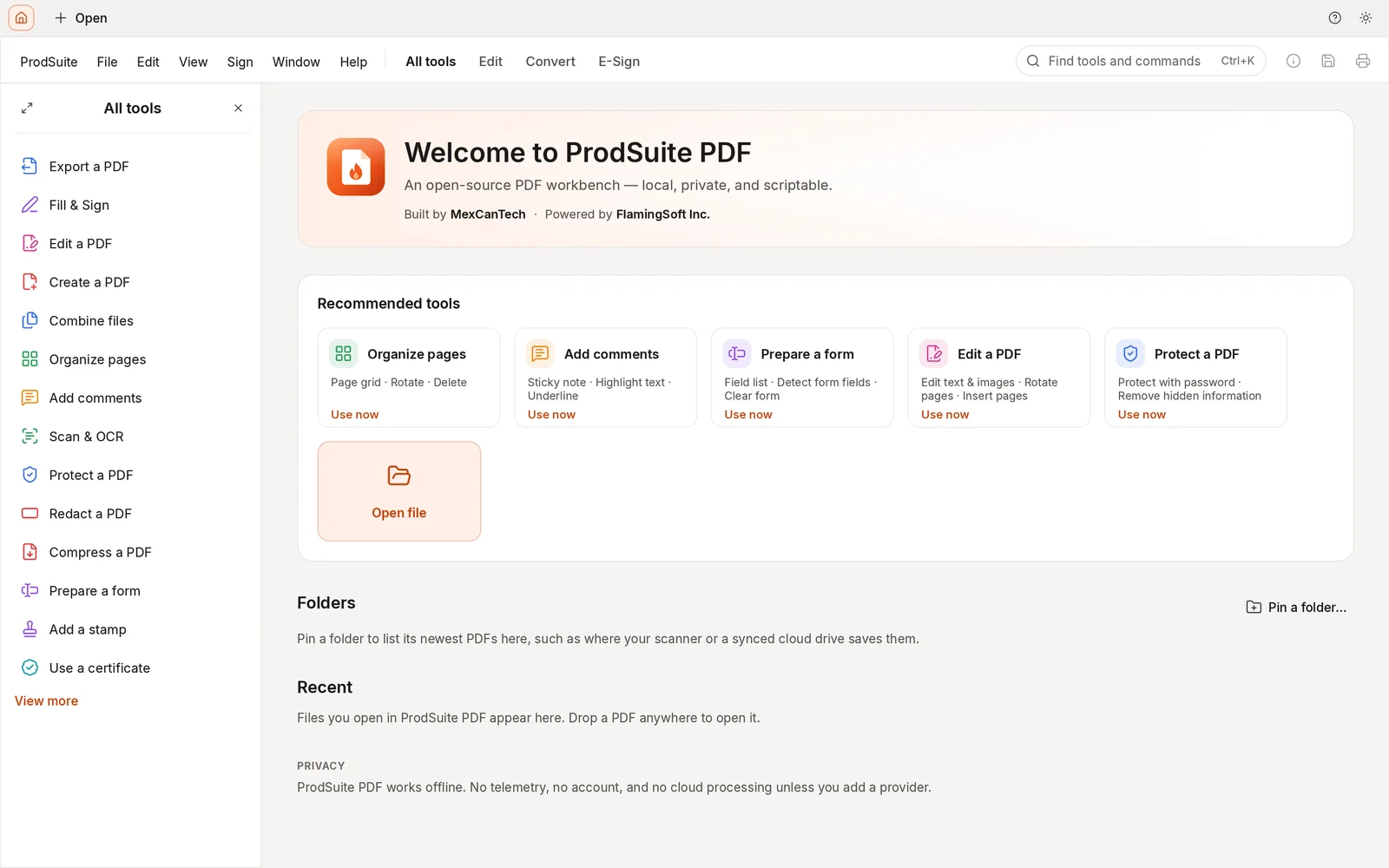
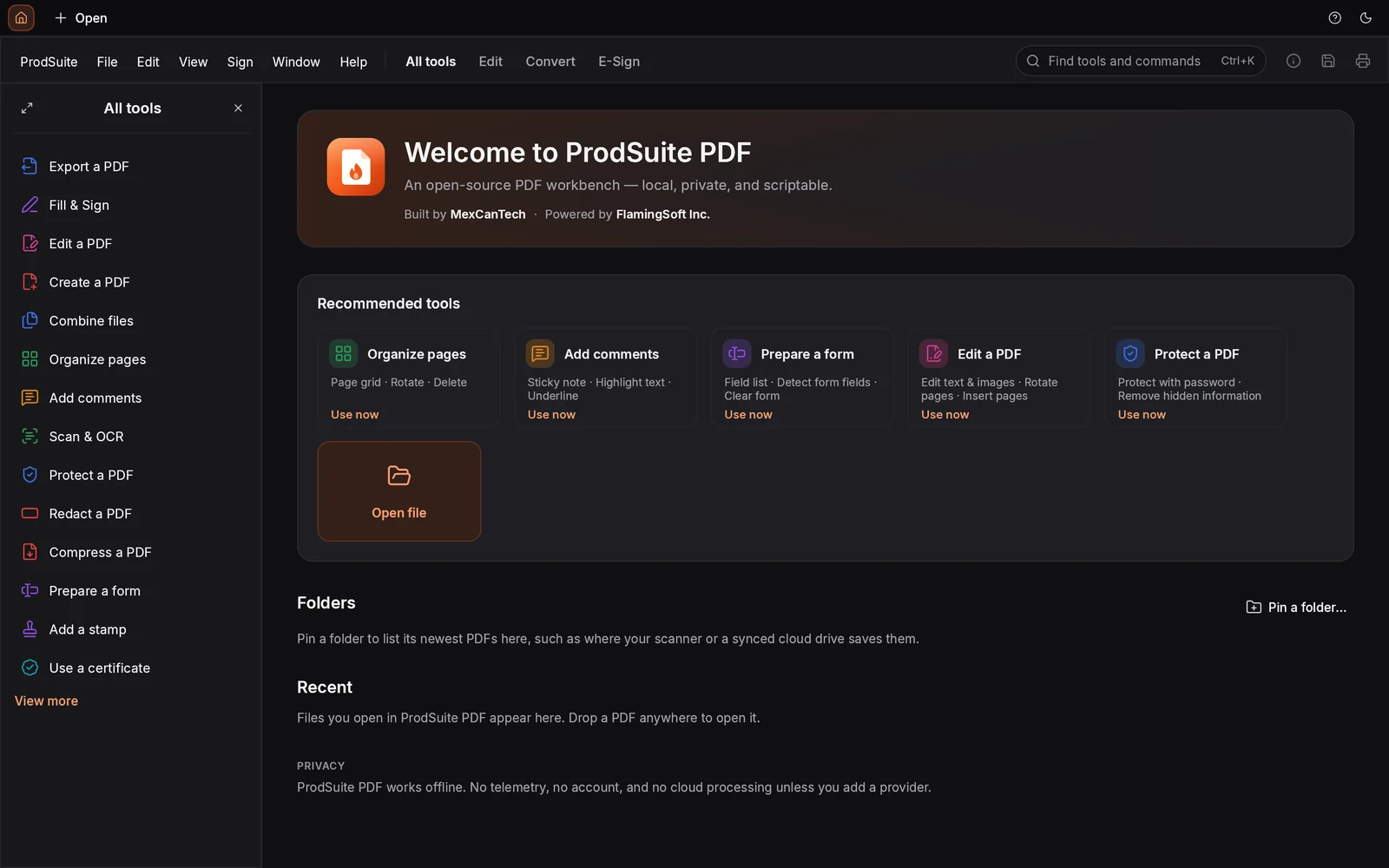
ProdSuite reads, edits, organizes, signs and protects PDFs, quickly and offline. There's no account to create and nothing gets uploaded.
macOS 11 Big Sur or later · Apple silicon and Intel · Signed and notarized
Built by MexCanTech · Powered by FlamingSoft Inc.
Private by default
Your files stay on your computer. No account, no telemetry, no cloud processing, and nothing to sign in to. It works on a plane.
Native and fast
Written in Rust and drawn on the GPU, it scrolls a 500-page document smoothly. A broken page shows an error on that page, not a crashed app.
Careful with your files
Undo for every edit, autosave and crash recovery. Saving keeps the original file intact and adds your changes on top, and damaged PDFs are rebuilt so they open.
Features
Fifteen toolsets in one app.
Open any of them for the full list. Everything here works in the version you can download today.
01Read and findMove through long documents without waiting, and find what you need in them.Everything included
- Continuous, single-page and two-page layouts, with an optional cover page
- Zoom to any percentage, fit page, width, height or visible content, marquee zoom and actual size
- Hand tool, rotate the view, read mode and full screen
- Panels for page thumbnails, bookmarks, attachments, layers and page labels
- Find text with whole-word and case options, next and previous, and a results list
- Select text in reading order or by column, copy it, or snapshot any region as an image
- Tabs for several documents, recent files, and your last session reopened at start-up
- A command palette (⌘K) for every command, and a keyboard-shortcuts reference
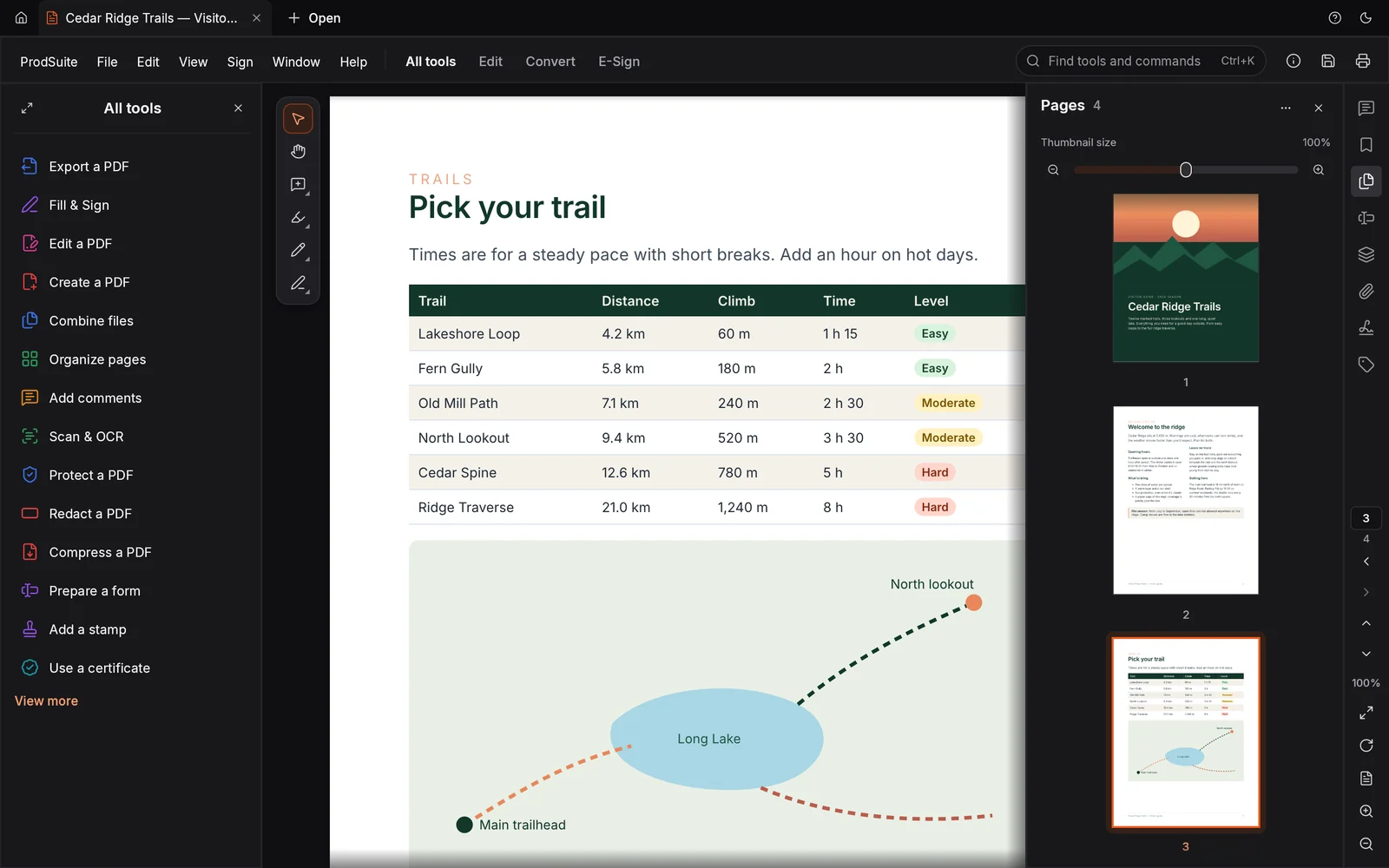
- Light and dark themes, or follow macOS
02Edit text and imagesFix the PDF itself, not a copy of it in another program.Everything included
- Edit existing text; it reflows inside its paragraph
- Change font, size and colour; bold, italic and underline; alignment, spacing and scaling
- Add new text boxes, and move or resize existing ones
- Add, replace, crop, rotate, flip, move and resize images, or save one to a file
- Web and page links, links created from URLs in the text, or remove every link at once
- Headers and footers with page numbers and dates, for all, odd, even or a range of pages
- Text or image watermarks and page backgrounds, which you can update or remove later
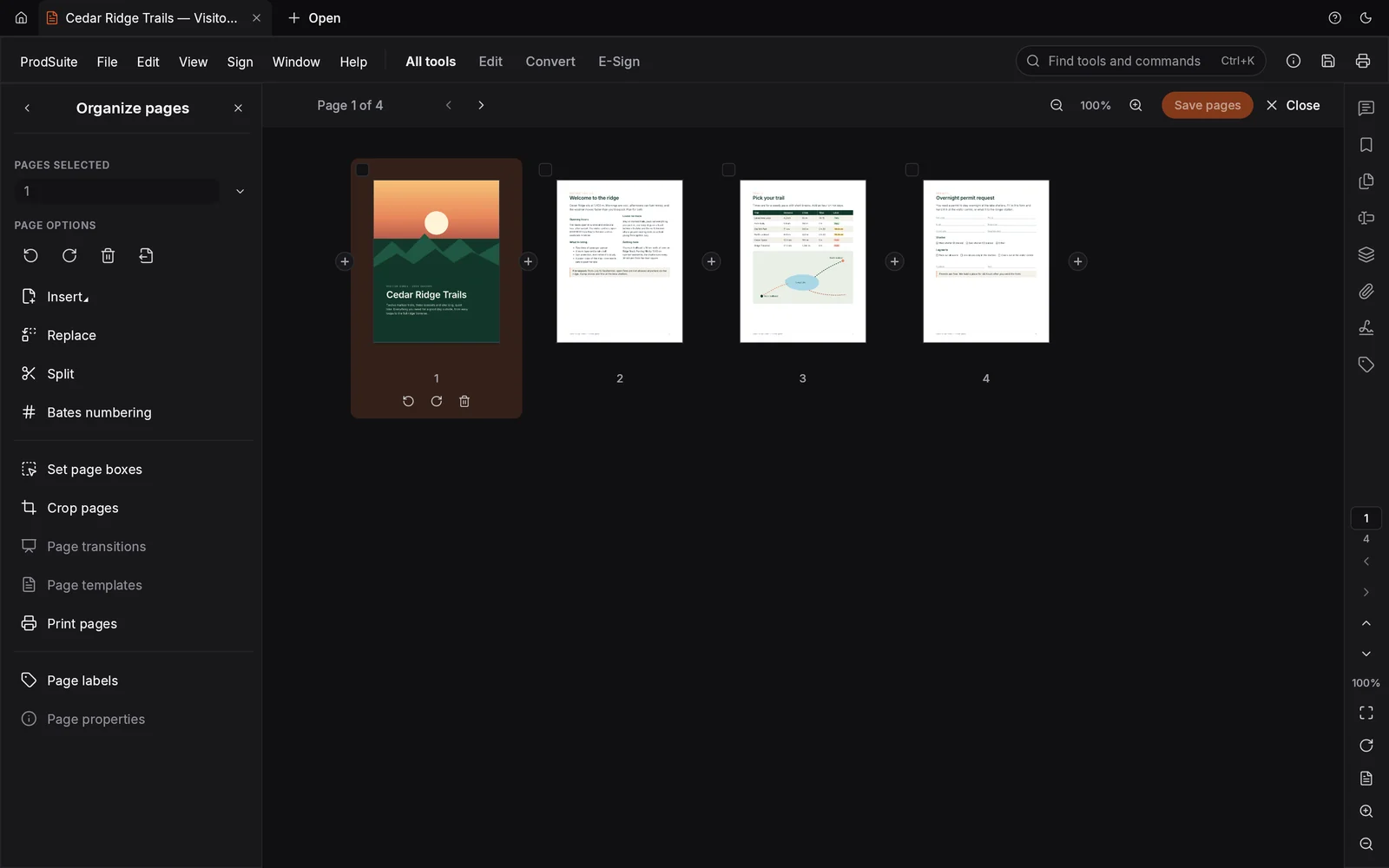
03Organize pagesSee every page at once and put the document in order.Everything included
- A page grid where you click, ⌘-click or ⇧-click to select
- Rotate, delete, move, drag to reorder, duplicate or reverse pages
- Insert blank pages or pages from another file, replace pages, and cut, copy and paste them
- Extract pages to a new document or to separate files
- Crop pages by dragging, and set crop, trim, bleed and art boxes
- Page labels (i, ii, 1, 2…), bookmarks you can add, nest and restyle, or generate from headings
- Document properties: title, author, keywords, language, fonts and how the file opens
04Combine and splitPut files together, or take one apart, without breaking what's inside.Everything included
- Combine files, choosing which pages of each and in what order
- A bookmark for each combined file, with its own bookmarks nested underneath
- Links, form fields, layers and attachments keep working after combining
- Identical fonts and images are stored once, so the result stays small
- Split every N pages, before chosen pages, by file size, or by top-level bookmarks
05Comment and reviewMark up a document and keep track of the conversation around it.Everything included
- Sticky notes, highlight, underline, strikethrough, squiggly and replace-text proposals
- Text comments, callouts and freehand drawing with an eraser
- Lines, arrows, rectangles, ovals, polygons, clouds and area highlights
- Business, sign-here, dynamic (name and date) and custom stamps
- Replies, review status, checkmarks, and filtering and sorting by author, type, status or colour
- Import and export comments as FDF or XFDF, or flatten them into the page
- Measure distances, perimeters and areas, snapping to lines and corners
06Fill and sign formsComplete any form, including the ones that were never made fillable.Everything included
- Text fields, checkboxes, radio buttons, drop-downs, list boxes and a date picker
- Number, currency, date, phone and postal-code formats, range checks and automatic totals
- Form JavaScript runs in a sandbox, and you can switch it off
- Import and export form data as FDF, XFDF, XML, CSV or tab-separated text
- Merge many filled forms into one spreadsheet, or flatten a form when it's done
- Fill & Sign for flat forms: type anywhere, add checks, crosses and today's date
- Sign and initial by typing, drawing, or using an image or scan of your signature
07Build formsTurn a plain document into a form other people can fill in.Everything included
- Text fields, checkboxes, radio buttons, drop-downs, list boxes, buttons, image, date and signature fields
- New fields are named from the label next to them
- Appearance, actions, format, validation and calculation for every field
- Align, centre, distribute and match sizes; duplicate fields across pages
- Tab order by row, column, structure or by hand, and a preview mode to test the form
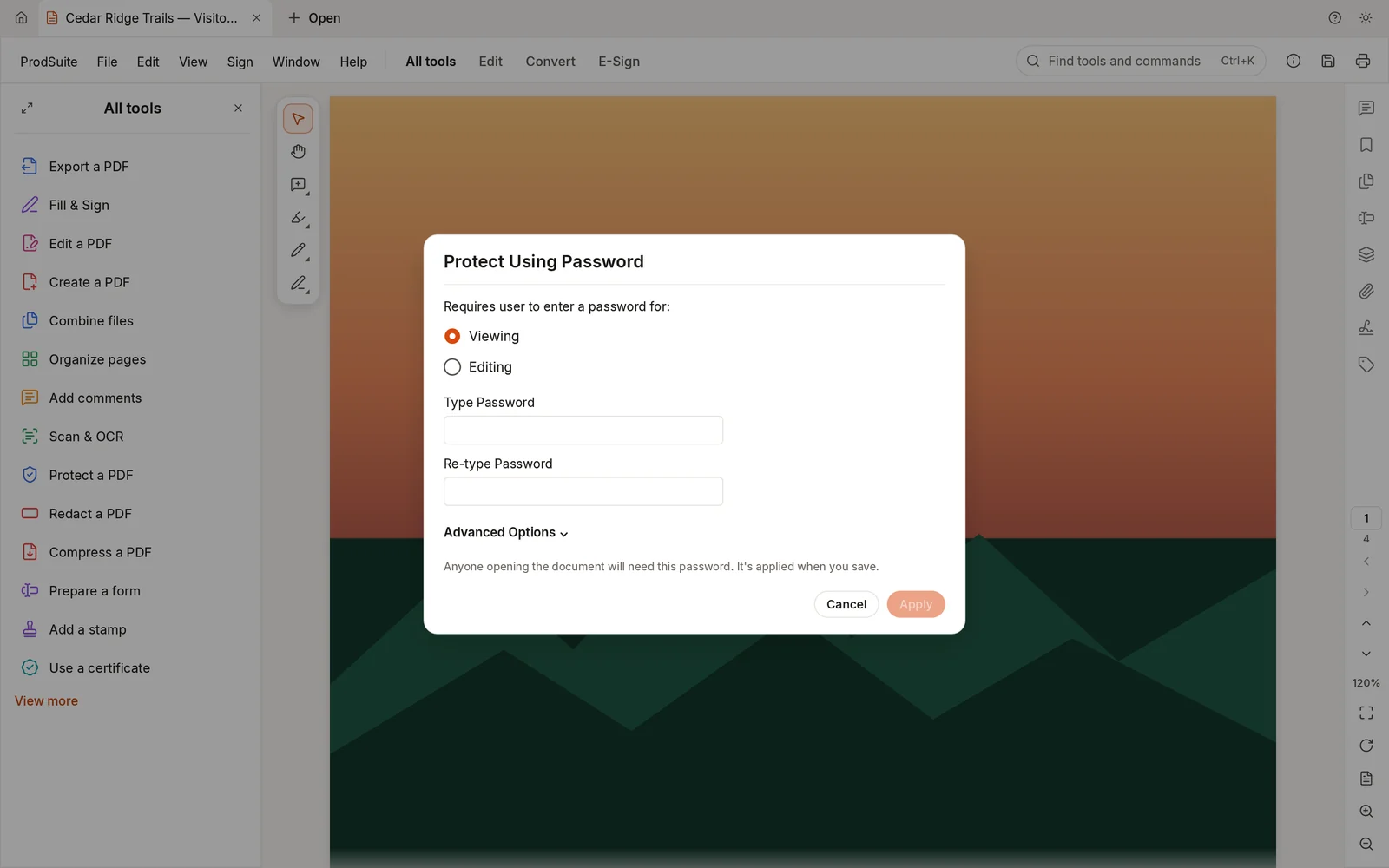
08Protect and redactControl who can open a file, and remove what nobody should see.Everything included
- A password to open, and a separate password that limits printing, editing and copying
- AES-256, AES-128 or RC4 encryption, with a password-strength meter
- Mark text, areas, images or whole pages for redaction, or find words, lists and patterns such as phone numbers, emails, card numbers and dates
- Applying a redaction removes the text, image pixels, drawings, comments and tags underneath it
- A check afterwards confirms nothing redacted is left in the file
- Remove hidden information, or sanitize the whole document in one step
09Digital signaturesSign with a real certificate and check the signatures you receive.Everything included
- Sign with a .p12 or .pfx digital ID or an identity in your macOS Keychain
- Visible signatures you place by drawing a box, existing signature fields, or invisible signatures
- PAdES signatures with SHA-256 or stronger, plus reason, location and contact details
- Certify a document and choose which changes are still allowed
- Every signature is checked when a document opens, with a certificate viewer and a trusted-certificate list
- See what changed after a document was signed, or view the version that was signed
- Create your own self-signed digital ID and export its certificate
10Scan and OCRMake scanned pages searchable and selectable.Everything included
- Recognize text in a whole file, the current page or a range of pages
- Run it on many files in one go
- The scanned image stays exactly as it was; the text goes invisibly on top
- Pages that already have text are skipped
- Recognition runs on your Mac with models that ship inside the app
11Create and exportGet content into a PDF, and back out of one.Everything included
- Create PDFs from JPEG, PNG, TIFF (including multi-page), GIF, BMP or JPEG 2000 images
- Create PDFs from plain text, from the clipboard, or start from a blank page
- Convert many files to PDF in one run
- Export to RTF or plain text, with text in reading order, including columns, right-to-left and CJK scripts
- Export pages as PNG, JPEG or TIFF, or save every embedded image
12OptimizeMake files smaller and cleaner before you send them.Everything included
- Reduce file size in one click; images are only replaced when the new one is smaller
- Or choose what to drop: scripts, thumbnails, tags, bookmarks, comments, forms, attachments, metadata
- Compress the document's structure and remove broken links and bookmarks
- An audit shows what is taking up the space
13PrintPrint exactly what you need, the way you need it.Everything included
- All pages, the current page, a range (page labels work too), odd or even, or in reverse
- Fit, actual size, shrink oversized pages or a custom scale; both sides of the paper
- Several pages per sheet, booklets, and posters tiled across sheets with cut marks
- Print only the document, the markups, stamps or form fields; in grayscale or as an image
- A print preview, and a print-ready imposed PDF when the job goes to a print shop
14AccessibilityCheck that a document works for everyone, and fix it when it doesn't.Everything included
- A full accessibility check with a report, covering tags, reading order, language, alternate text, tables, lists, headings and form fields
- Fix, skip or get an explanation for each rule, then check again
- Write alternate text figure by figure, or mark a figure as decorative
- Set the document's language and show its title in the window
- Replace page colours with high-contrast ones while you read
15Compare and automateSpot what changed between versions, and stop doing the same steps by hand.Everything included
- Compare two files for text and visual differences, side by side with synchronized scrolling
- Save the comparison as a summary PDF
- Guided actions run the same steps over many files, such as preparing for distribution or optimizing scans, and you can build your own
- A command-line tool to inspect, render, extract text, edit, combine and split from scripts
- An optional MCP server, off by default, lets an AI assistant work on files in one folder you choose
Screens
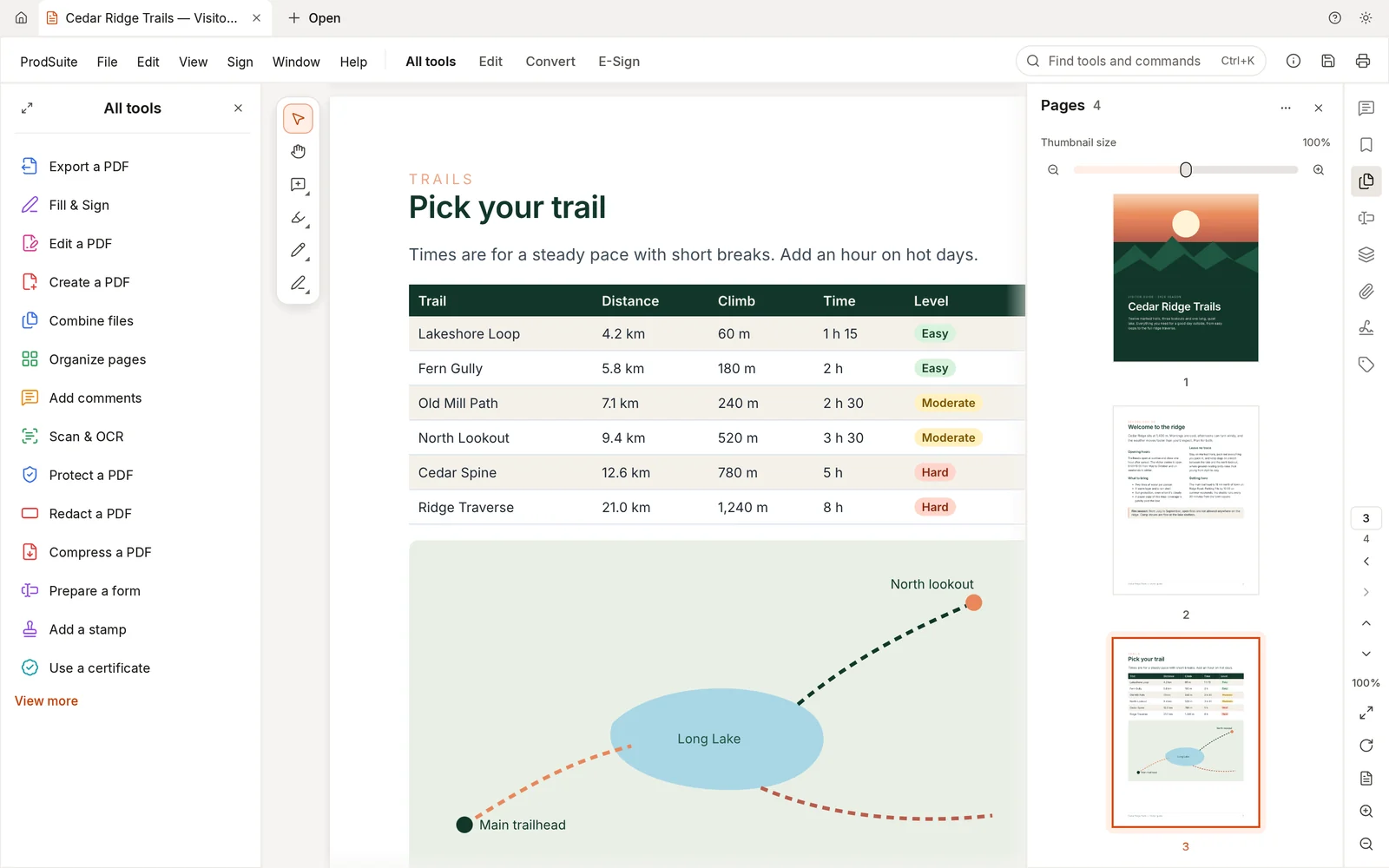
Made to stay out of your way.
Download
Get ProdSuite.
A free download. Signed by FlamingSoft Inc. and notarized by Apple, so it opens like any other Mac app.
Disk image
70 MBRecommended. Open it and drag ProdSuite into Applications.
Download .dmgprodsuite-0.15.0-macos-universal.dmg
SHA-256 0b900ad06a1f1b67d6380ec12950cf4ff878ca70a91dfad0932f93256e73cd0b
Installer package
68 MBInstalls ProdSuite in Applications. Useful for IT teams and device management.
Download .pkgprodsuite-0.15.0-macos-universal.pkg
SHA-256 a07f79fa36ae4cbbafccde9443d2346d4ed238a708049eedd168316dbfdfc44f
Command-line tool
33 MBFor scripts and automation. The program inside is called pdfcraft-cli.
Download .zipprodsuite-cli-0.15.0-macos-universal.zip
SHA-256 5a5eca8a429fbd3c210cf09d17979b5794fd5c091336be0b044fb29c7553b3b5
Requirements
- macOS 11 Big Sur or later
- Apple silicon or Intel (one universal app)
- About 150 MB of disk space
Windows and Linux versions aren't available here yet.
Check your download
In Terminal, run this and compare the result with the SHA-256 above:
shasum -a 256 ~/Downloads/prodsuite-0.15.0-macos-universal.dmgFAQ
Questions
Does ProdSuite cost anything?
No. ProdSuite is a free download.
Are my files uploaded anywhere?
No. ProdSuite opens, edits and saves files on your Mac. Text recognition (OCR) also runs on your Mac. The app doesn't send usage data, and you don't need an account.
Will macOS let me open it?
Yes. The app, the disk image and the installer are signed with FlamingSoft Inc.'s Apple Developer ID and notarized by Apple, so macOS opens them without warnings. If you get a warning, the file didn't come from this page.
How do I get updates?
ProdSuite doesn't check for updates on its own yet. New versions are posted on this page, so check back here.
What languages is it in?
The app's interface is translated into more than 30 languages, including Spanish, French and Portuguese.
Is it open source?
ProdSuite is based on PdfCraft, an open-source PDF application licensed under MIT or Apache 2.0. ProdSuite adds its own design and branding, and is built and maintained by MexCanTech.